Unlock Instant Insights using the 4Degrees AI Assistant.
Discover how the 4Degrees AI Assistant can instantly answer your CRM questions, speed up your workflows, and simplify your data analysis.
Access the AI Assistant
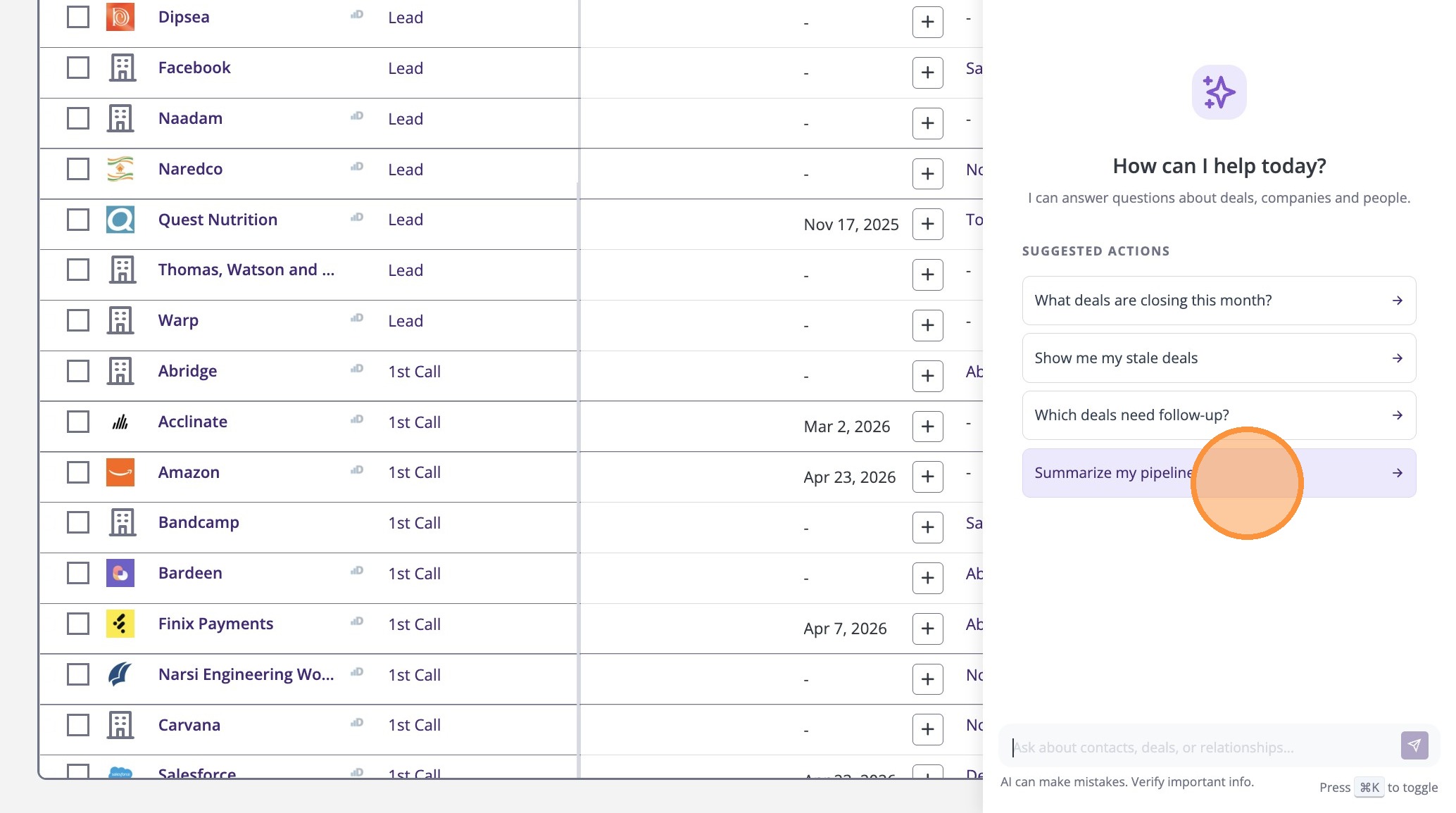
1. The AI Assistant is available throughout the platform
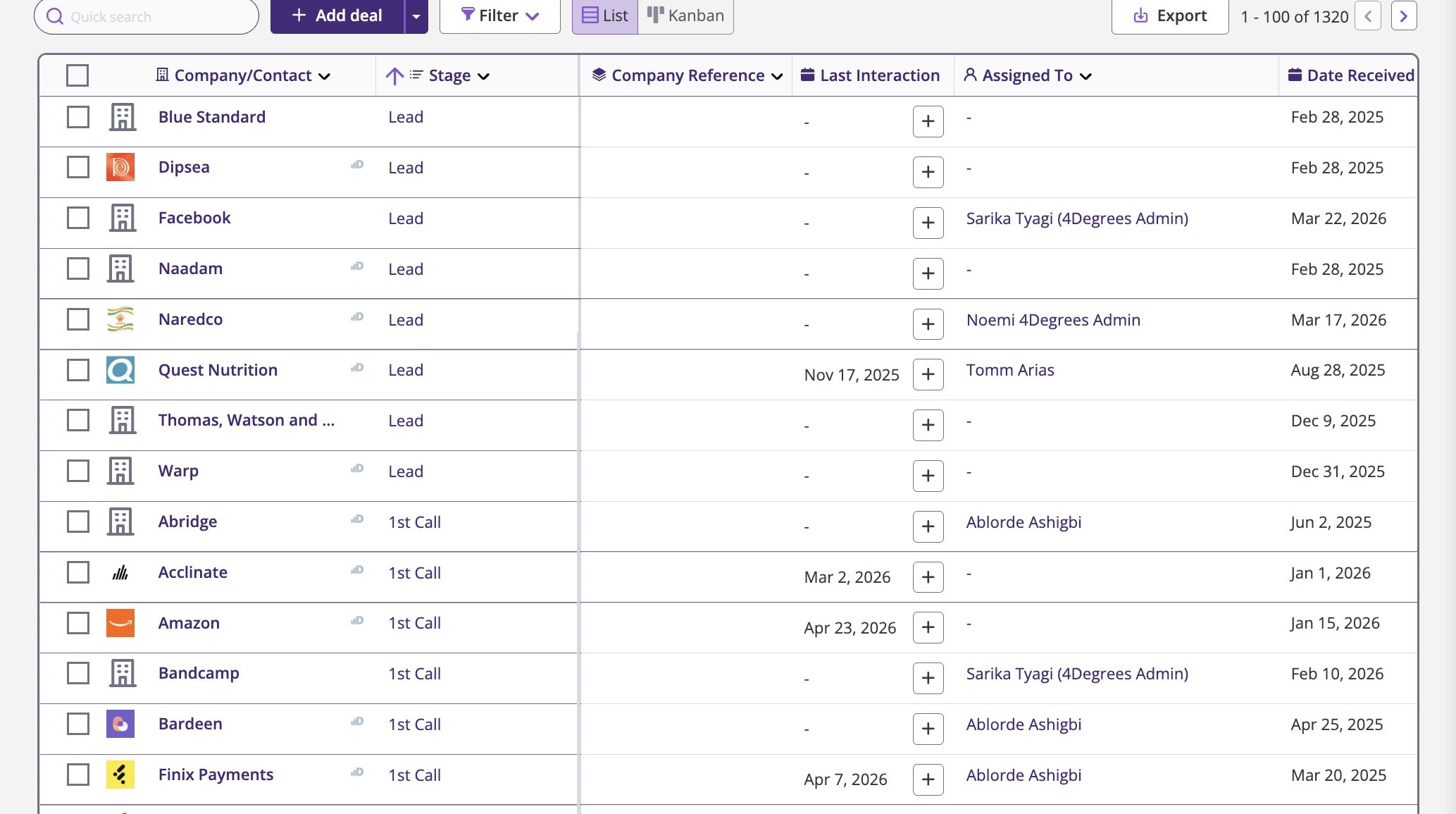
2. To get started simply click ‘Ask AI’ to open the assistant.
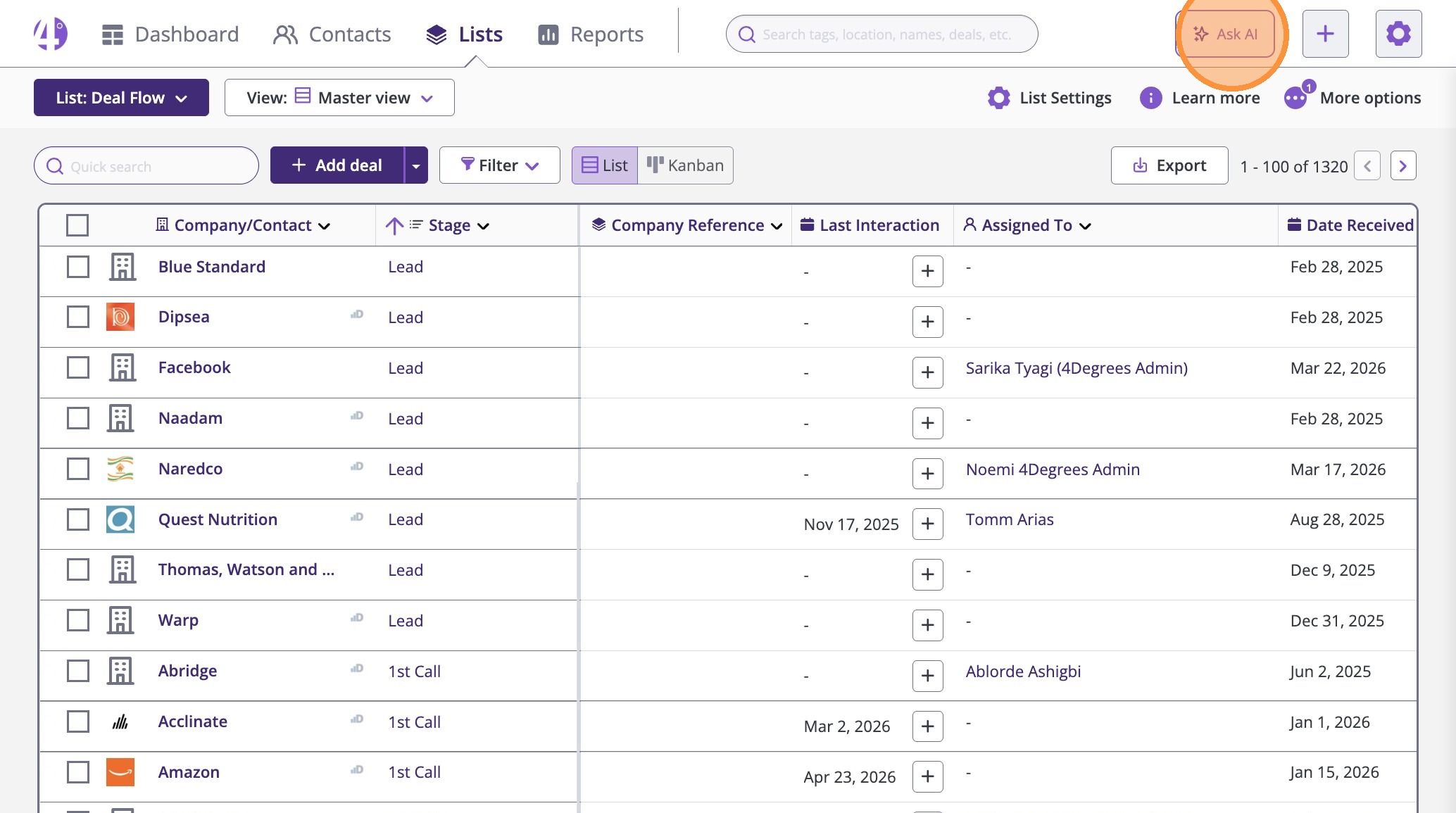
3. You can start with a suggested action, like ‘Summarize my pipeline,’ to get insights instantly.
4. Click the expand icon next to Sources to view where we are getting the information from
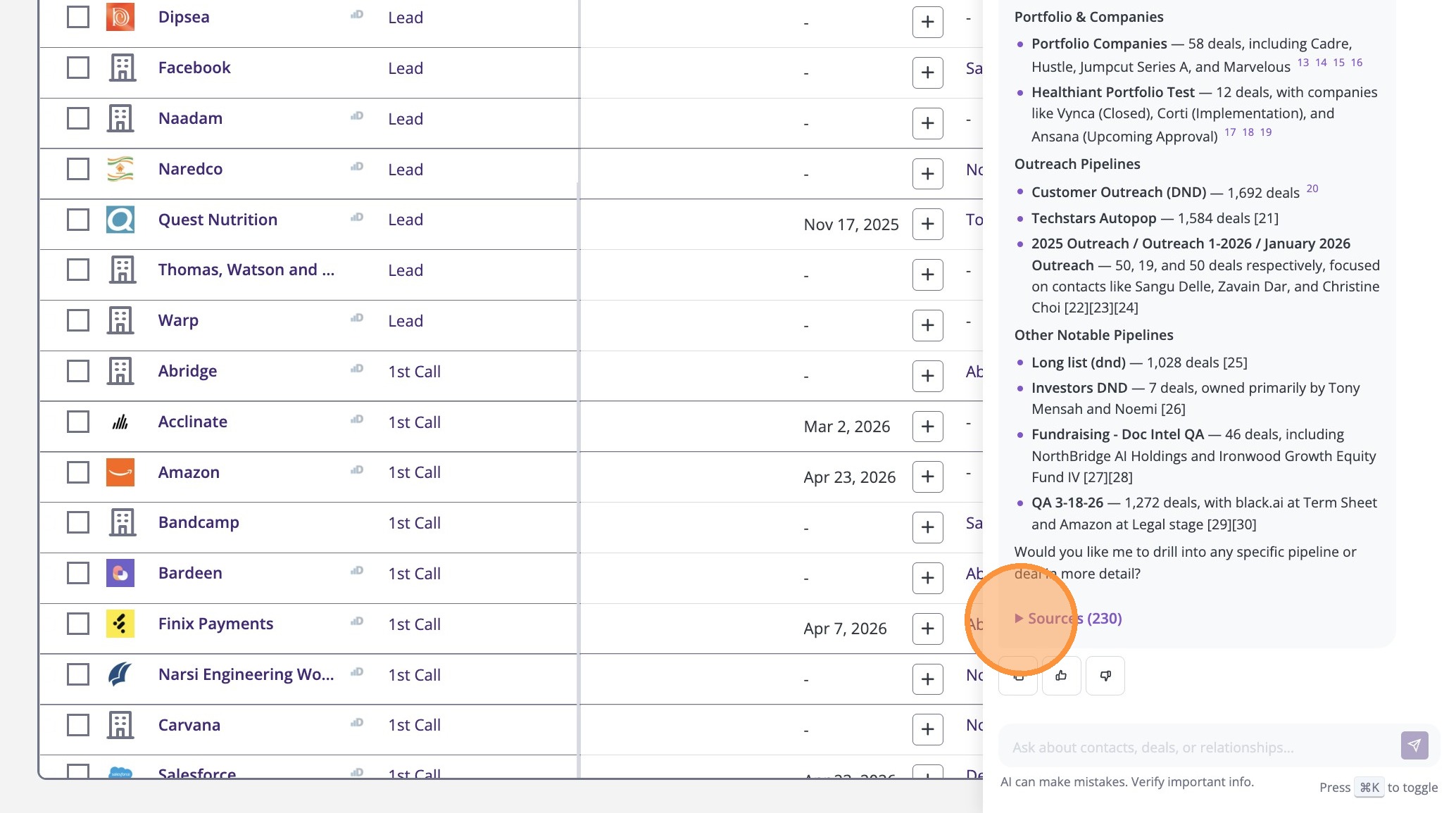
Pipeline Data Queries
5. You can also type any custom question if you don’t see a suggestion that fits your needs, like ‘Show my top recent deals’
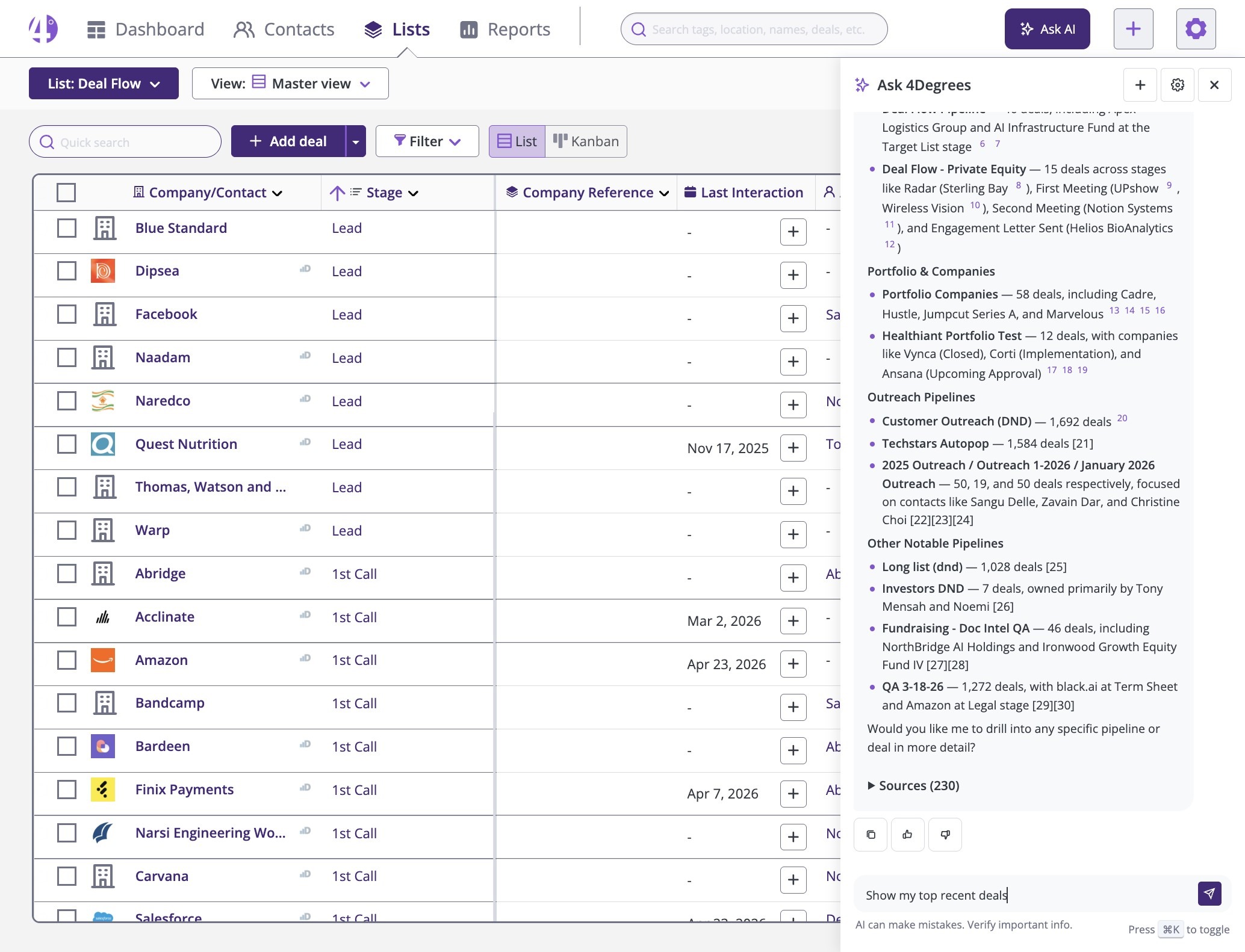
Advanced Data Analysis
6. The AI Assistant saves you time by answering questions instantly, so you don’t need to apply manual filters.
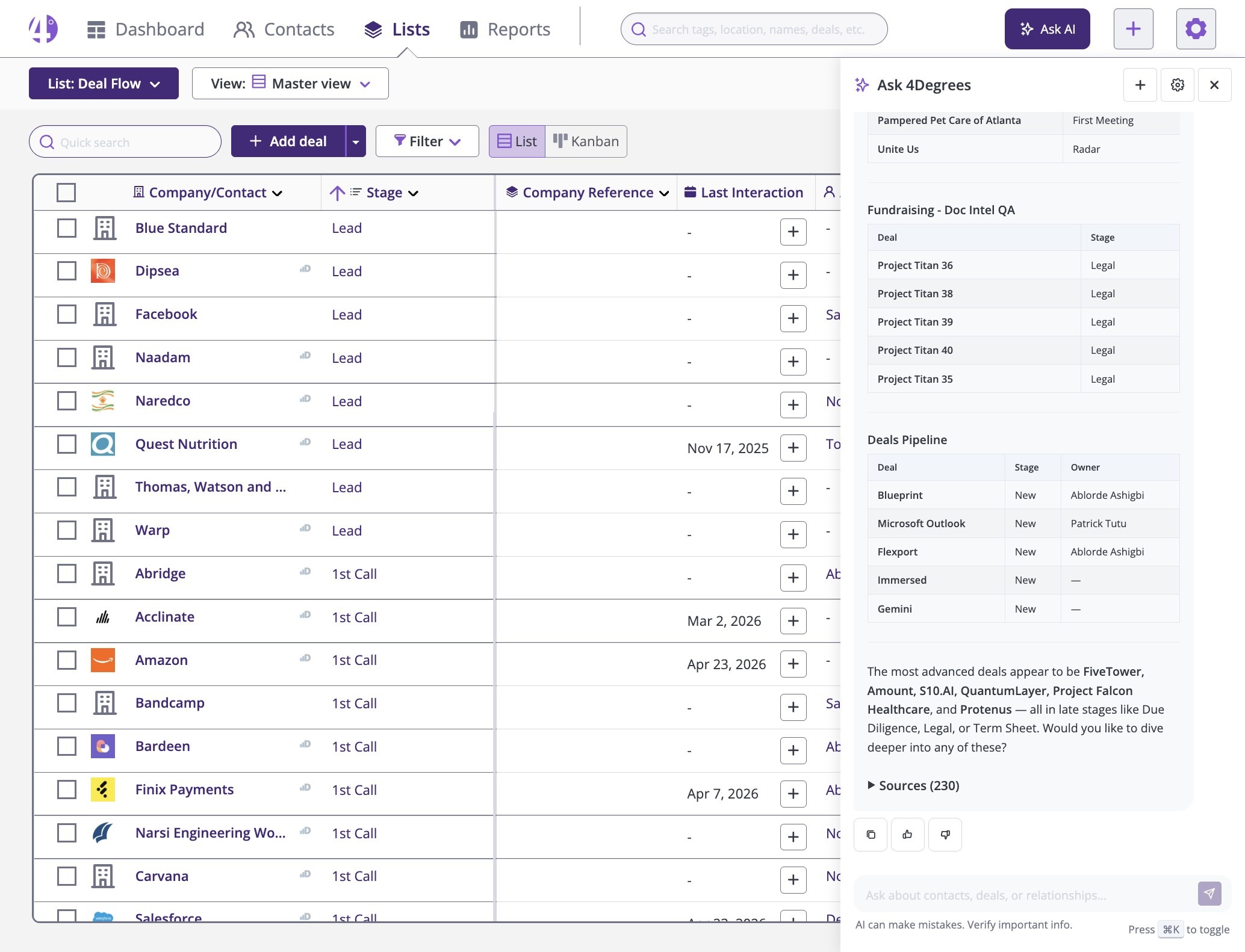
7. You can narrow results by adding details, like ‘from last year.
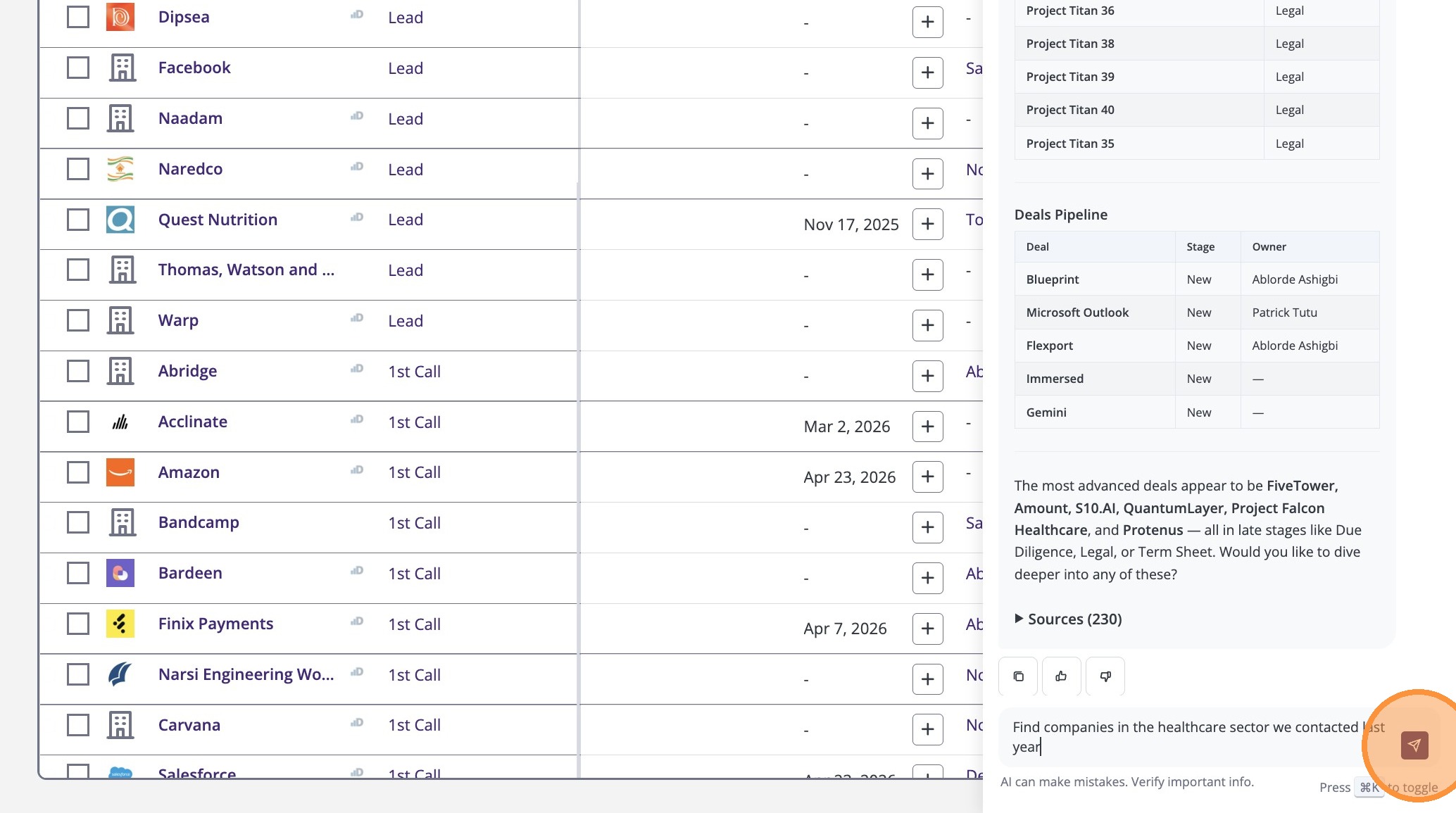
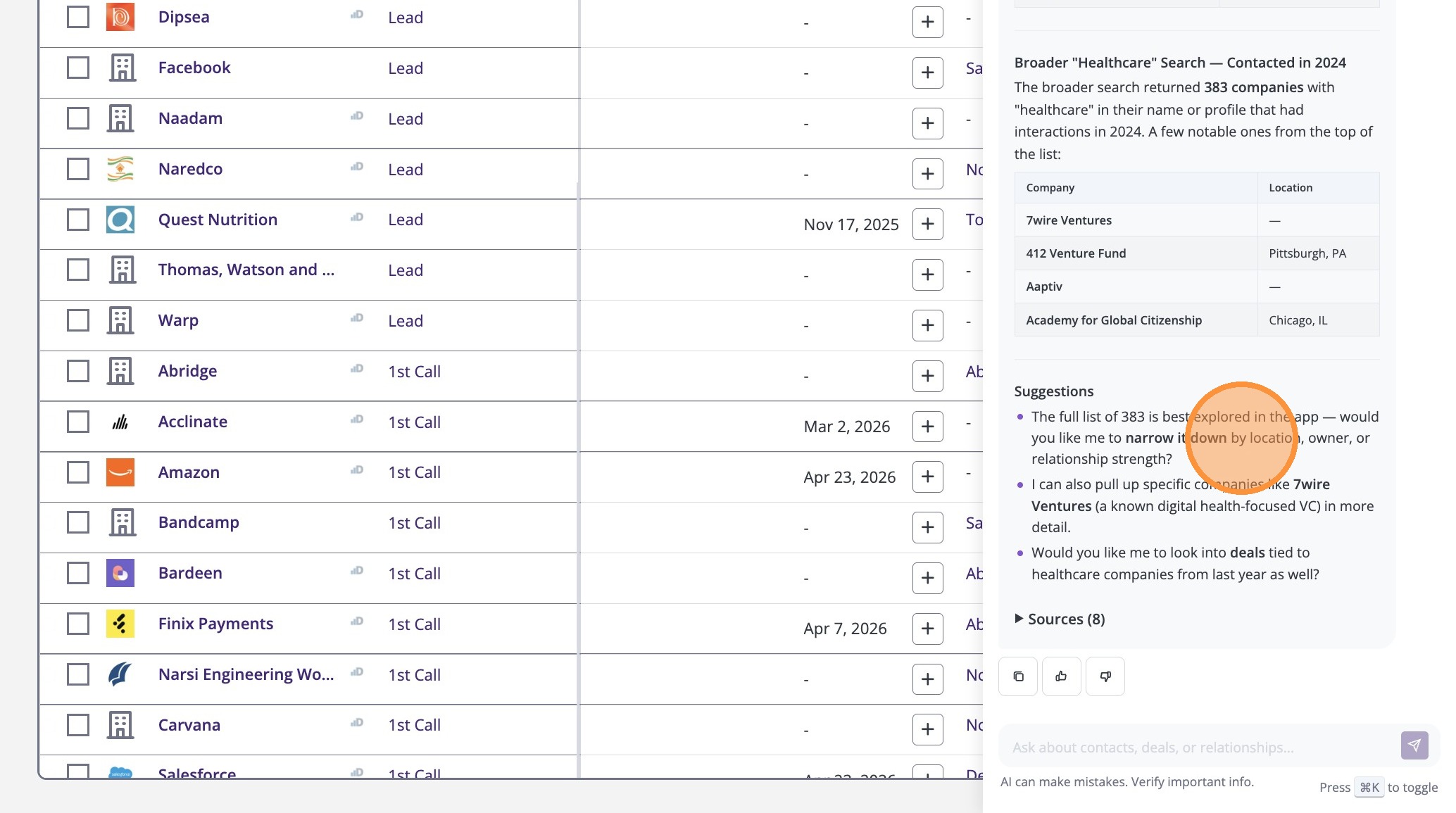
8. The assistant will suggest follow-up questions. Select one to dive deeper.
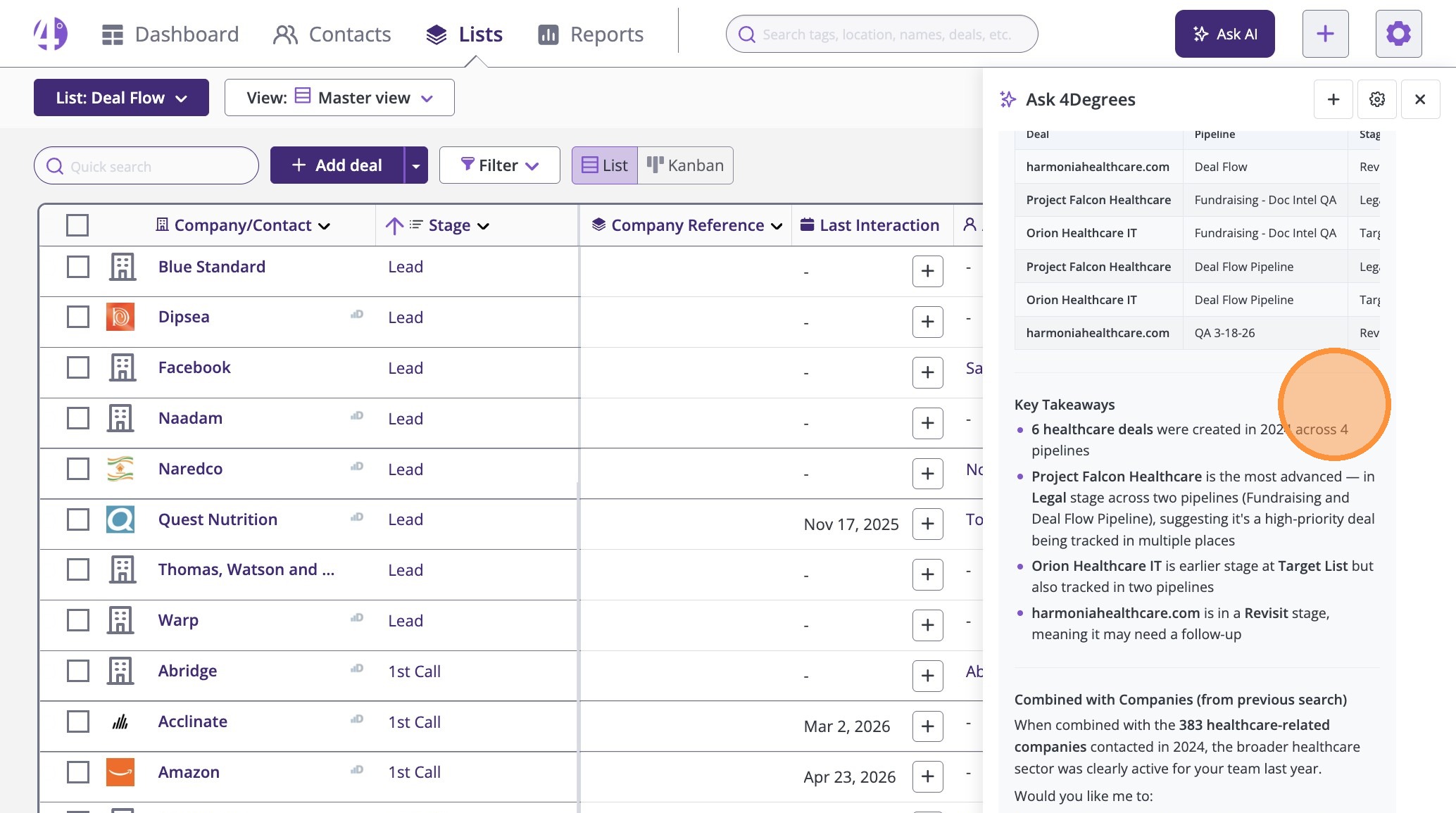
9. The assistant provides a summary—like this overview of healthcare deals.
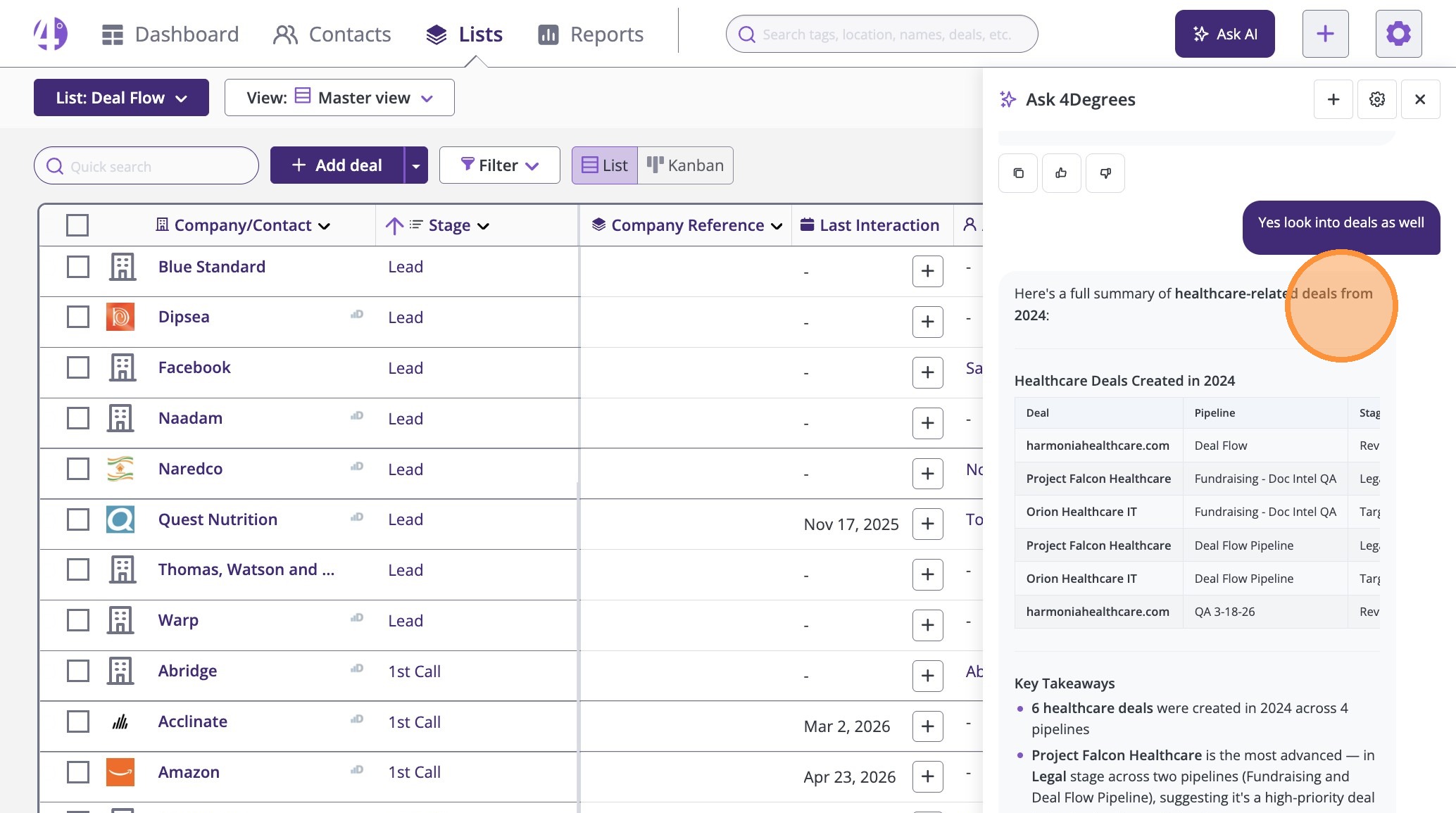
10. Use Key Takeaways to ensure you never miss critical insights, saving time and driving action.